Free DTF Artwork
Preparation Tools
Prepare designs before sending them to print
Remove a selected background color, apply optional halftones, check transparent PNG files, and upscale low-resolution artwork in your browser.
No sign-up or credit card required
Browser-based
Local tools keep artwork on your device
Remove a Background Color
Select a color and tolerance to create a transparent PNG while keeping full control of the result.
Optional Halftone Design
Preview dot or line patterns using an explicit reference DPI. Confirm final production settings with your printer.
Check Before Ordering
Review transparency, estimated DPI, edge pixels, and thin details before sending the design to a DTF print provider.
DTF Artwork File Checker
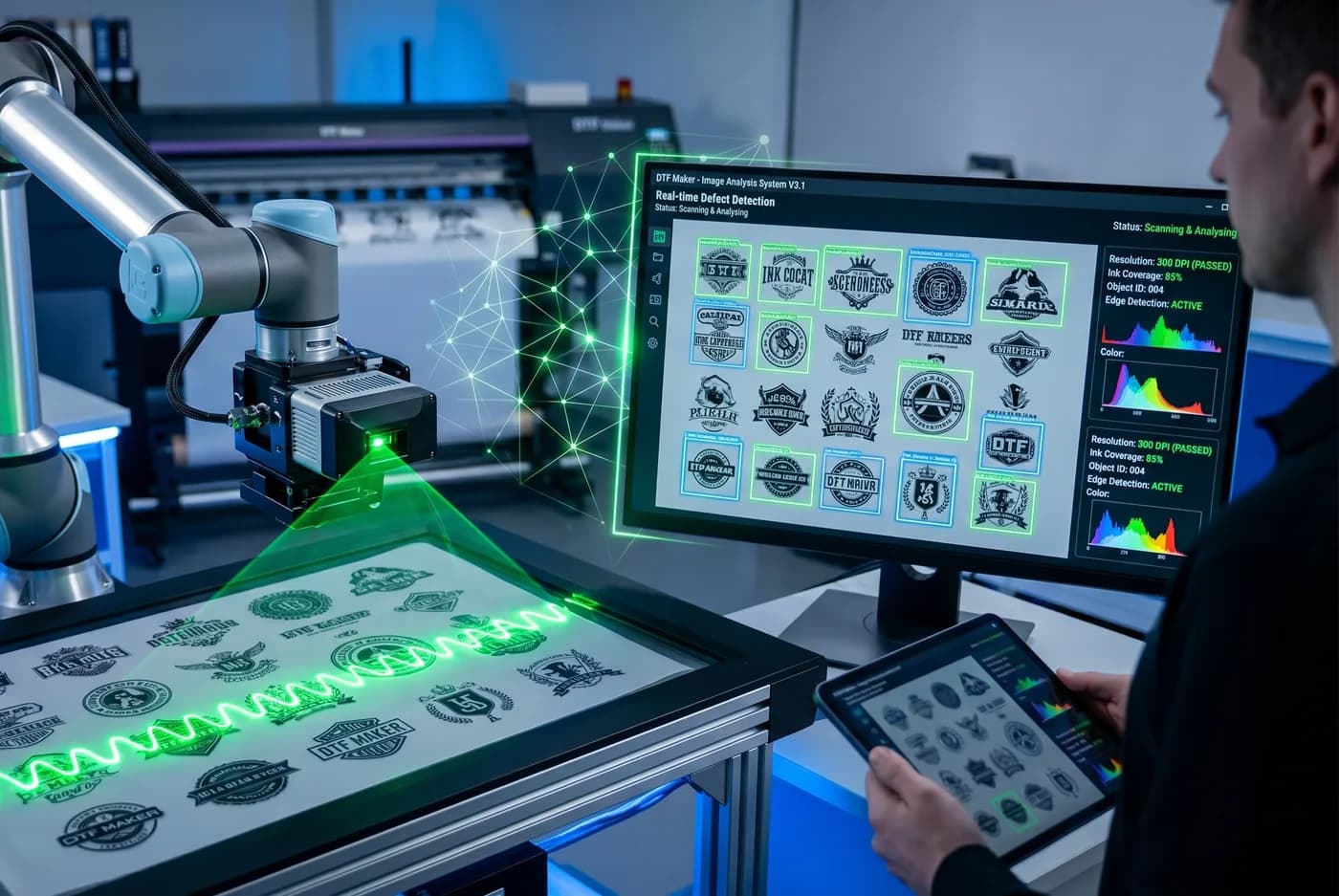
Review transparent PNG files before sending them to a print provider. Check estimated DPI, semi-transparent pixels, light edge pixels, and very thin detail samples without deleting white artwork.
SVG + PNG DTF
Vectorize logos and illustrations
Crop, adjust colors and compare paths. Download scalable SVG or a PNG without semitransparency.
A clearer artwork workflow
DTF Maker prepares the digital design file. Your chosen printing company remains responsible for RIP settings and every physical production step.
Improve the source
Use AI upscaling only when the artwork does not have enough pixels for its intended print size.
2Prepare the design
Remove a selected background color, adjust color, and apply optional design effects without changing the physical print process.
3Check and confirm
Run the file checker, then confirm the final PNG requirements with the company that will print the transfer.
Common questions before you start
How can I remove a color without leaving semitransparency?
Upload your image to the editor and enable Color Removal. Choose the color and adjust tolerance and edge cutout. Cleanup stays active in preview and export, leaving fully transparent or fully opaque pixels. Check edges on light and dark backgrounds before downloading.
Should I upscale or vectorize my artwork?
Upscale a pixel image such as an illustration or photograph to enlarge it. Vectorize logos and illustrations to turn their outlines into scalable shapes. Review lettering and fine details; neither tool guarantees recovery of information missing from the reference.
How do I check whether my artwork has enough resolution?
Upload it to DTF Scanner and enter your intended physical print dimensions. The estimate relates available pixels to those dimensions. Increasing the physical size reduces effective resolution; confirm the required resolution and minimum detail with your print provider.